01
Luster Boost
Optimize photos darkened by night scenes or backlighting with three brightness levels, while controlling haze for a crisp, vivid finish.
WeakStandardStrong
ON-DEVICE PHOTO ENHANCEMENT
LusterPicture is a focused photo editor that uses our proprietary Luster Boost and on-device AI to recover light, color, and texture from dark shots.
Requires iOS 18.6 or later / Android 13 or later
KEY FEATURES
No complicated adjustments. Low-light recovery, AI enhancement, RAW development, and format conversion all live in one focused app.
Optimize photos darkened by night scenes or backlighting with three brightness levels, while controlling haze for a crisp, vivid finish.
AI reduces noise and refines detail and color on your device. Upscale images up to 4× while preserving important texture.
Develop RAW files captured in dark environments with five brightness modes. Supports DNG, ARW, CR3, and NEF.
Enhancement, development, and conversion happen entirely on your iPhone, iPad, or Mac. Your photos are never uploaded to our servers.
BEFORE / AFTER
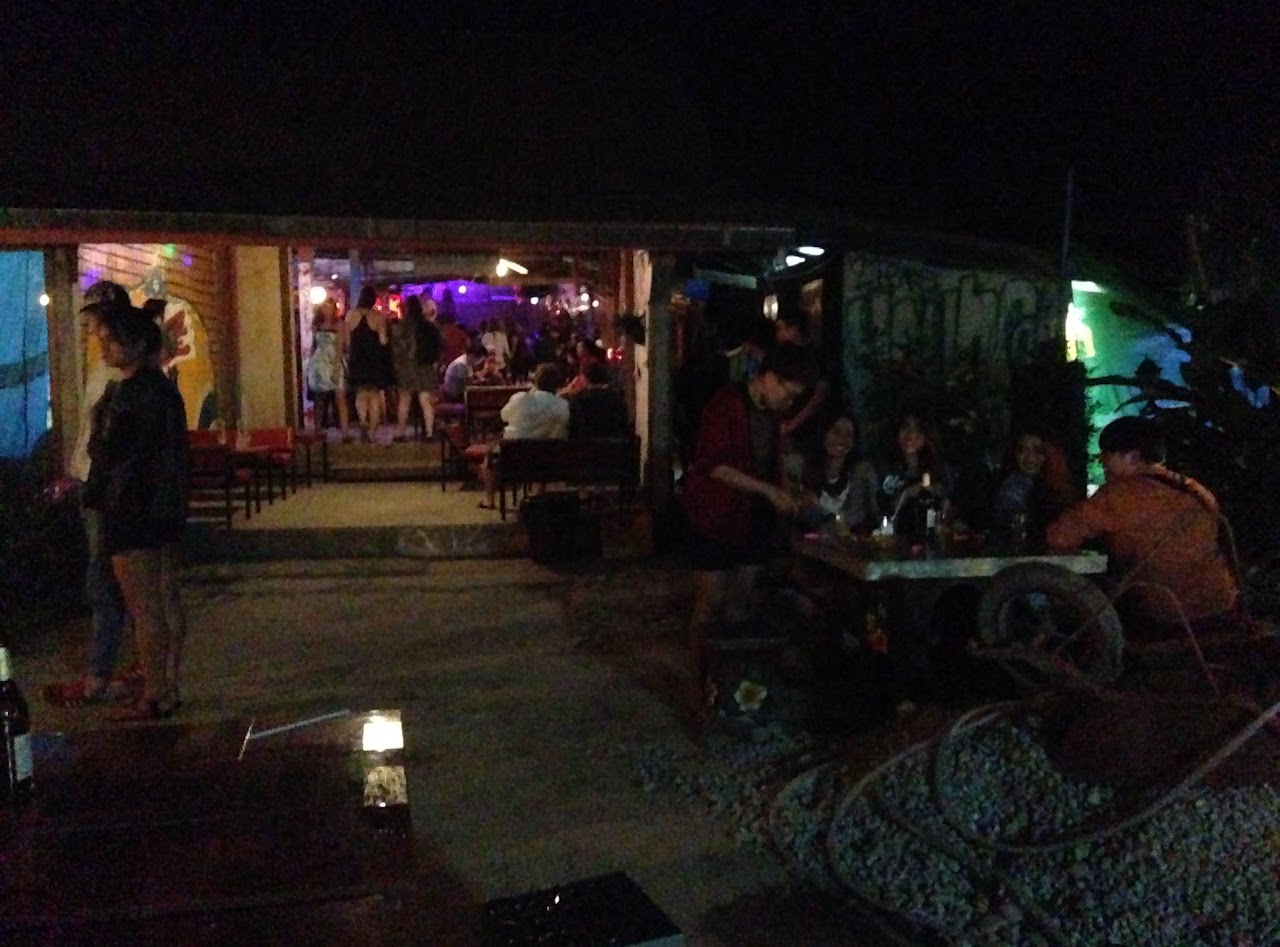
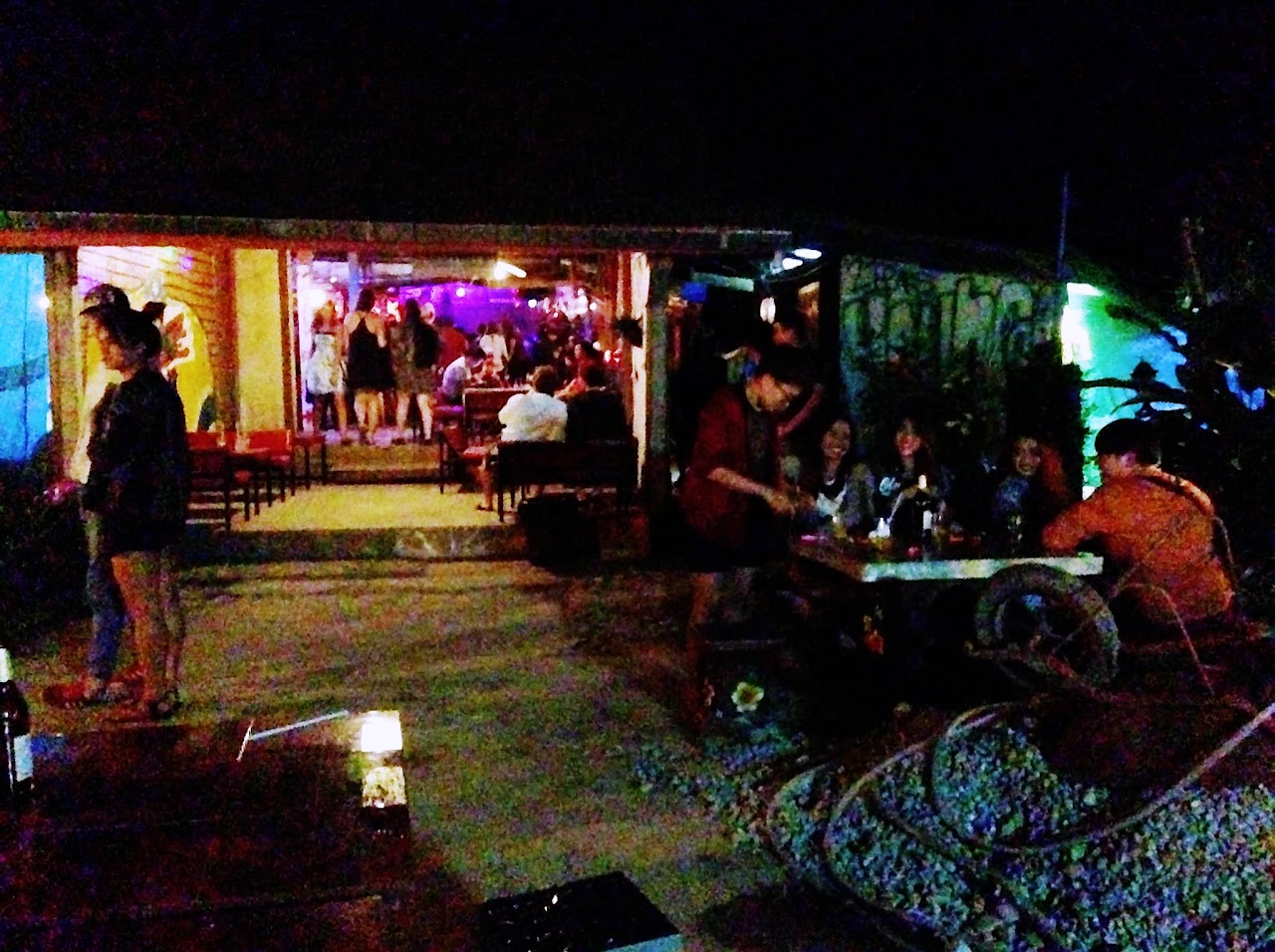
Drag the slider to compare the original with Luster Boost. Reveal details that were hard to see while keeping the atmosphere of the low-light scene.
HOW TO USE
The straightforward workflow lets you enhance one photo or a whole batch.
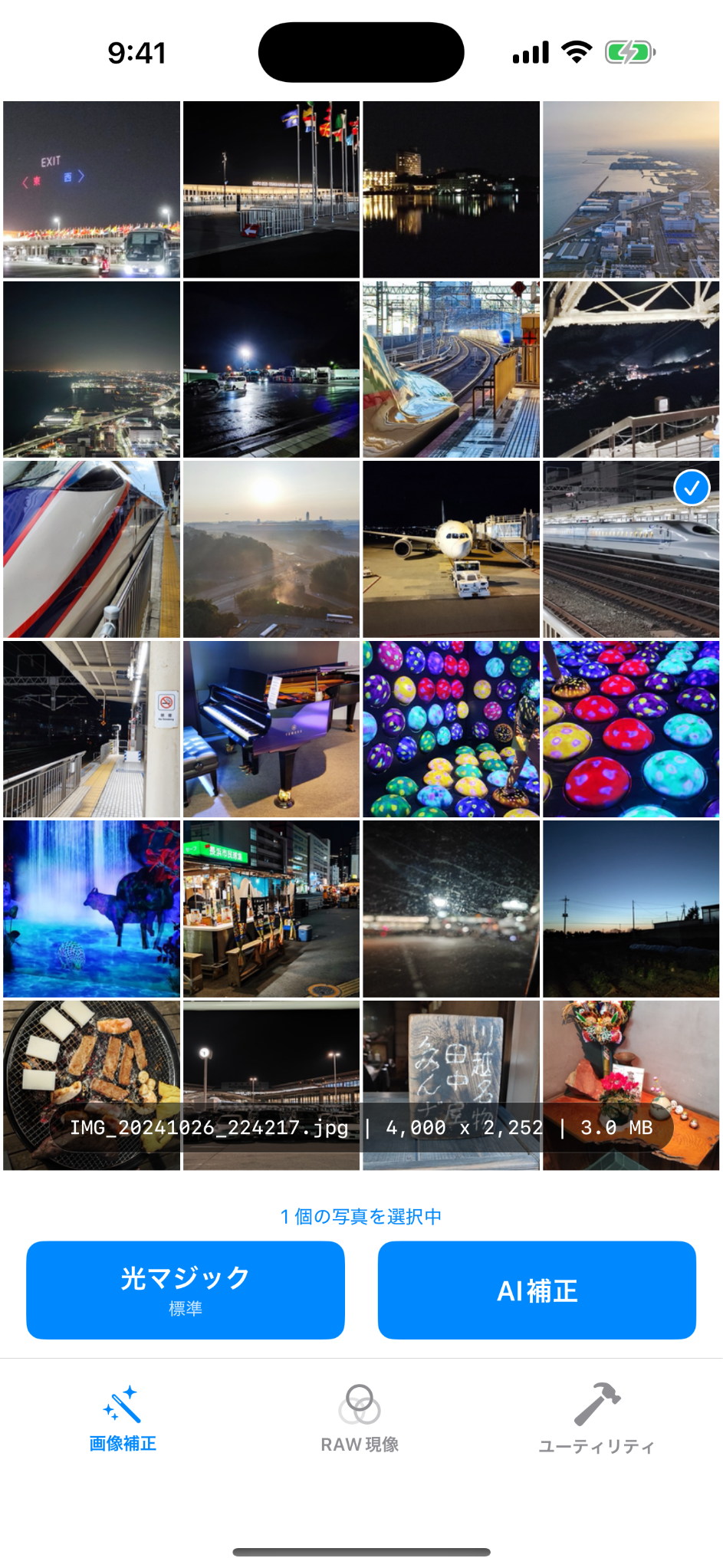
Choose one or multiple photos from your library.
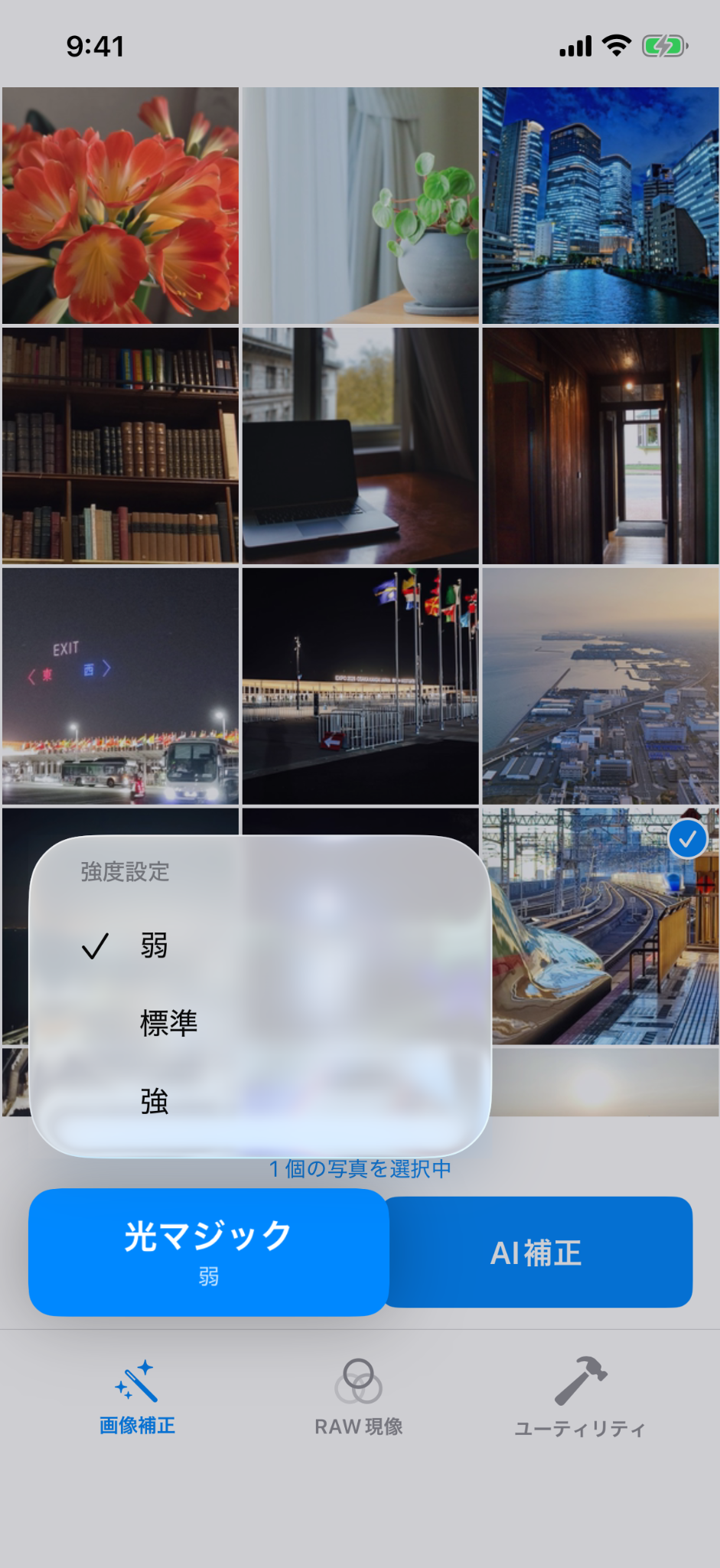
Long-press Luster Boost to select an intensity, or combine it with AI enhancement.
Review Before / After immediately, then save as JPG or HEIF.
FAQ
Basic Luster Boost and AI Enhancement, plus HEIF conversion within the daily limit, are free. Advanced settings such as Strong Mode and unlimited conversions require the Premium Plan.
No. Photos are processed only on your device and are never uploaded to our servers.
Along with JPEG, PNG, and HEIF, LusterPicture supports major camera RAW formats including DNG, ARW, CR3, and NEF.
After conversion, the originals may be moved to Recently Deleted with your permission. Always back up important photos before running a batch conversion.
iOS 18.6 or later, and Android 13 or later. Devices on Android 12 or earlier cannot install the app because the GPU feature Luster Boost relies on (AGSL) is not available in those OS versions.
LusterPicture
Download LusterPicture from the App Store or Google Play. Try the core Luster Boost and AI Enhancement features for free.